Vsee Box V3 Pro Channel List Printable
Keeping track of all your favorite channels can be quite a task, especially when you have a mix of streaming services, cable options, and various family preferences. That’s where the Vsee Box V3 Pro Channel List Printable comes in handy. This resource not only helps you organize your channels but also makes it easier for each family member to find their favorites quickly.
What is the Vsee Box V3 Pro Channel List Printable?
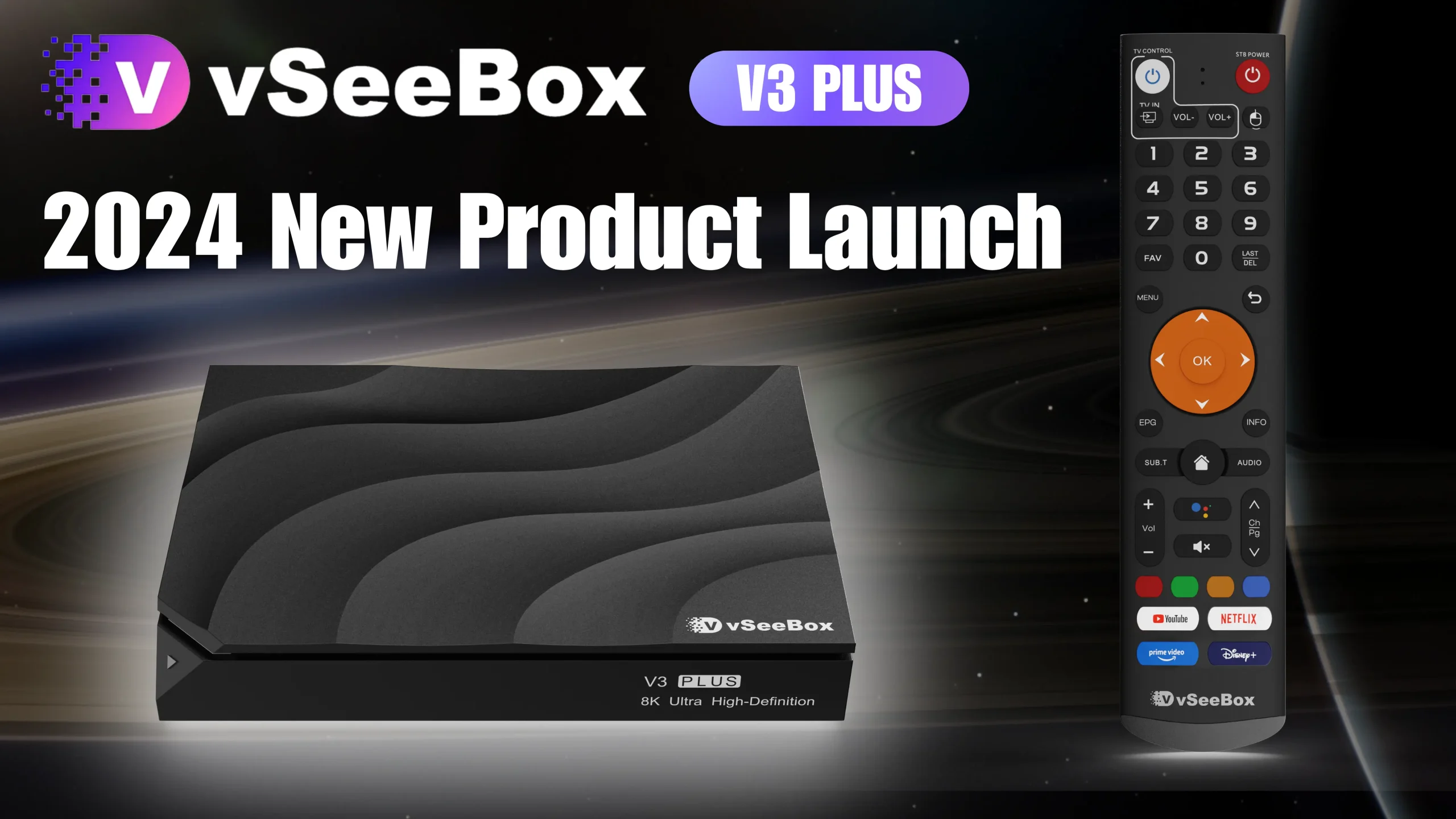
The Vsee Box V3 Pro Channel List Printable is a simple yet effective tool designed to help you manage your TV channels efficiently. It provides an organized format to list all your channels, making it easier for you and your family to navigate your viewing options. Whether you’re using it for streaming services or traditional cable, this printable can streamline your entertainment experience.
Why Use a Channel List?
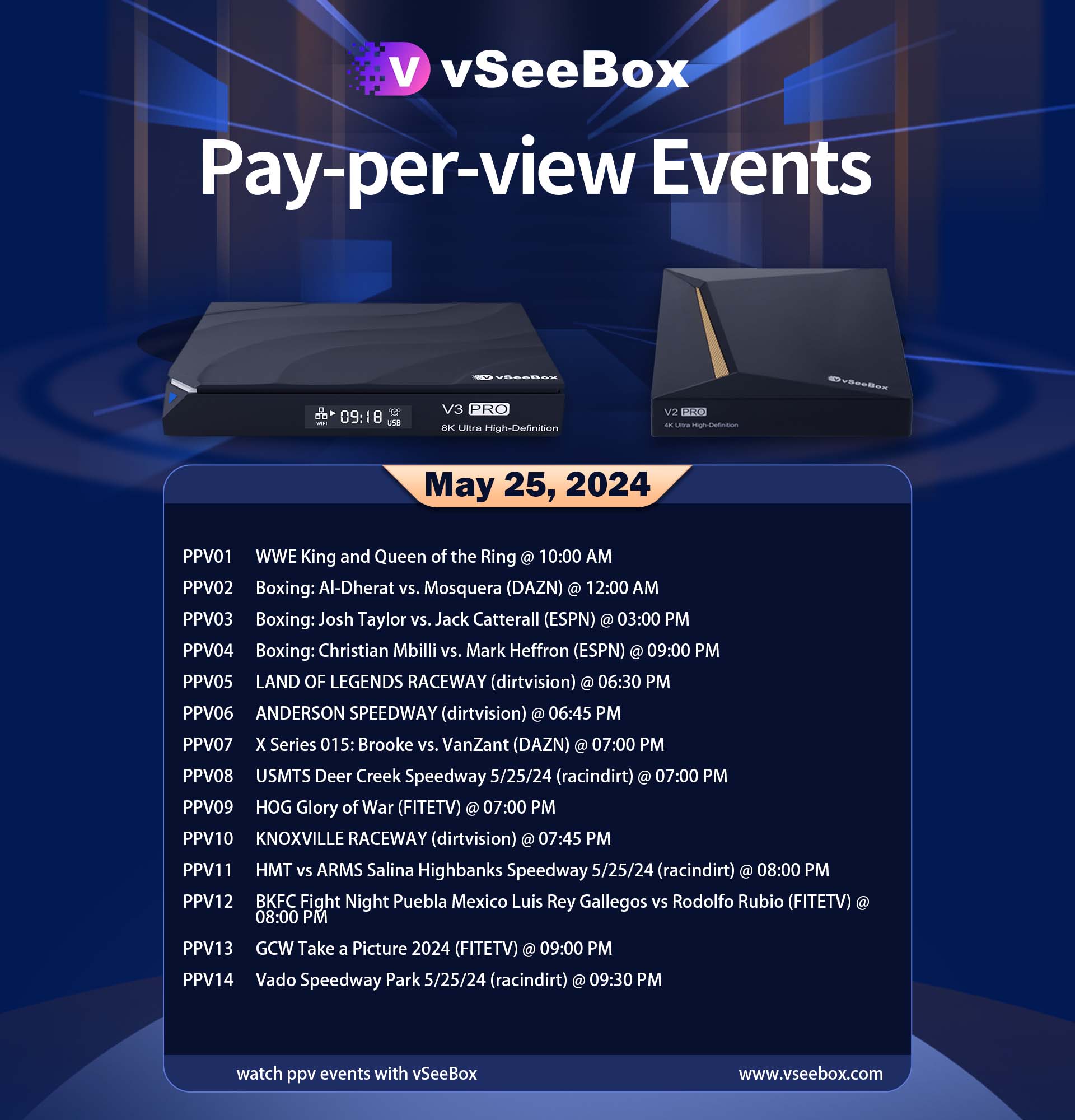
A channel list can save you time and frustration. Imagine flipping through countless menus or scrolling endlessly through channels without knowing what’s available. With a printable list, you can have all your preferred channels at your fingertips. You can easily customize it to highlight channels for kids, news, or specific shows everyone loves. This can be particularly useful during family movie nights or when trying to accommodate different viewing preferences.
How to Access and Download the Channel List
Getting your hands on the Vsee Box V3 Pro Channel List Printable is straightforward. Here’s a step-by-step guide:
- Find the Resource: Look for the printable on a dedicated printable-resource website. Many sites offer free downloads, so you can easily find what you need.
- Download the File: Once you locate the printable, click on the download link. It’s generally available in PDF format, which preserves the layout and makes printing easy.
- Save the File: Choose a location on your computer or device where you can easily access the file later, such as your desktop or a specific folder for printables.
Tips for Downloading
- Ensure your device has a PDF reader installed. Most modern devices come with this option pre-installed.
- Check your printer settings before printing. You may want to adjust the paper size to ensure everything fits nicely on the page.
Printing Your Channel List
Once you’ve downloaded the Vsee Box V3 Pro Channel List Printable, it’s time to print it. Here’s how to get the best results:
- Select the Right Paper: For durability, consider using cardstock. It holds up better than regular paper and is less likely to tear. If you plan to laminate it for repeated use, this is particularly beneficial.
- Adjust Printer Settings: Set your printer to the correct paper size (usually A4 or Letter) and choose a portrait layout for the best fit.
- Print a Test Page: Before printing multiple copies, print a single test page to ensure everything looks good.
Organizing Your List
After printing, take a moment to sit down with your list. You can add notes beside each channel for quick reference. For example, jot down what shows are popular on each channel or any upcoming events you want to catch. This personal touch can make your channel list even more useful.
Using the Printable Effectively
Now that you have your Vsee Box V3 Pro Channel List Printable in hand, it’s time to make the most of it:
- Display It Prominently: Hang your channel list in a common area, like the family room, where everyone can see it. This way, no one has to ask where their favorite show is airing.
- Involve the Family: Encourage your family members to highlight their favorite channels. This not only personalizes the list but also helps everyone feel included in the viewing experience.
- Regular Updates: As channels change or new shows become available, don’t hesitate to update your list. You can either print a new one or use a dry-erase marker if laminated.
A Quick Tip
If you have multiple devices (like tablets or smartphones), consider taking a digital picture of your printed list. This way, you can access your channel list on the go, ensuring you never miss out on your favorite shows, even when you’re not at home.
By using the Vsee Box V3 Pro Channel List Printable, you’ll transform the way your family interacts with television. This small step can lead to less time searching for channels and more time enjoying your favorite shows together. So, download, print, and start organizing your viewing today!