Tablo Tv Channels List Printable
When it comes to managing your family’s TV viewing, having a clear and organized channels list can make all the difference. If you’ve recently invested in a Tablo TV device, you might be wondering how to keep track of all the channels available to you. That’s where the Tablo TV Channels List Printable comes in. This handy resource not only simplifies your viewing experience but also helps everyone in your household know where to find their favorite shows.
What is the Tablo TV Channels List Printable?
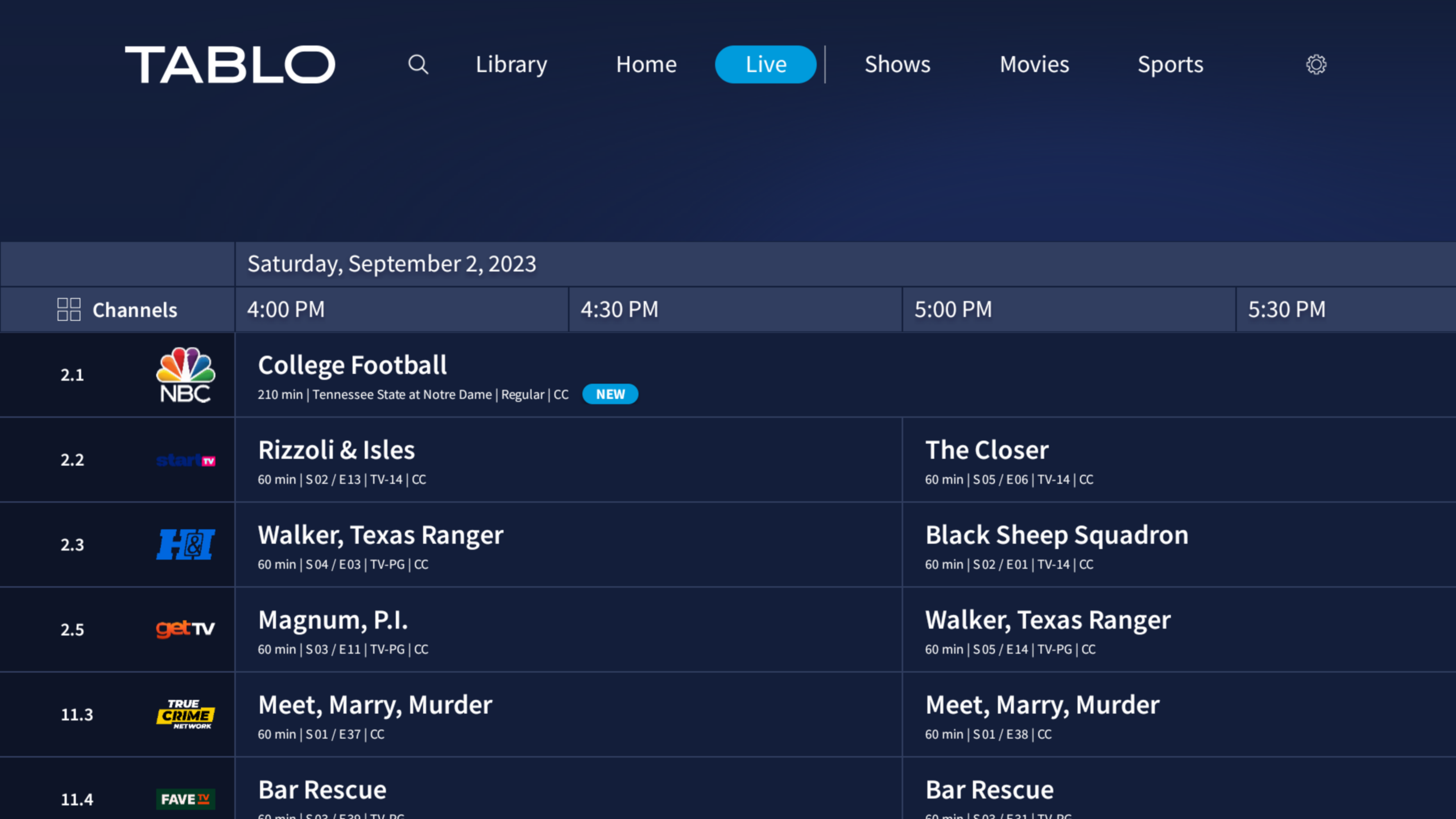
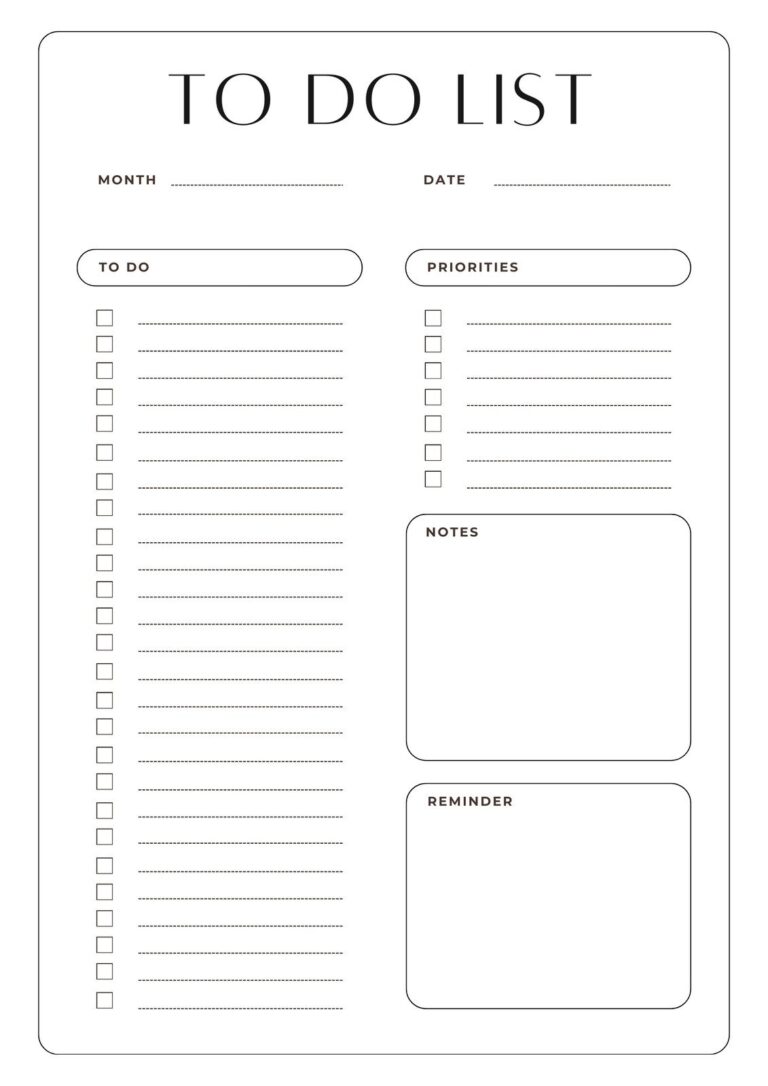
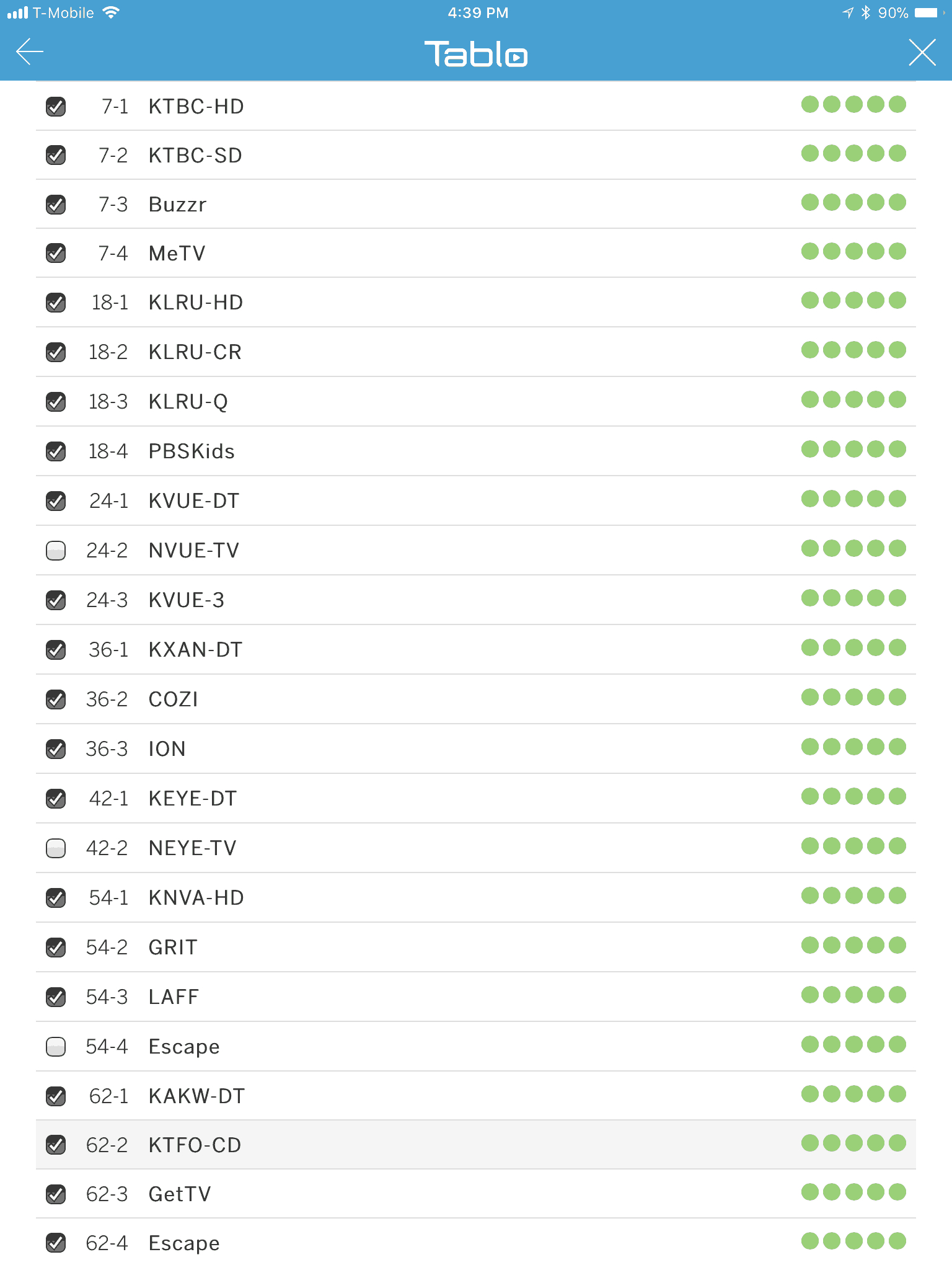
The Tablo TV Channels List Printable is a customizable document that outlines all the channels available through your Tablo device. You can use it to jot down your go-to channels, note new ones, and even track your family’s favorites. This printable resource is designed to be user-friendly, making it easy for anyone to navigate the maze of channels.
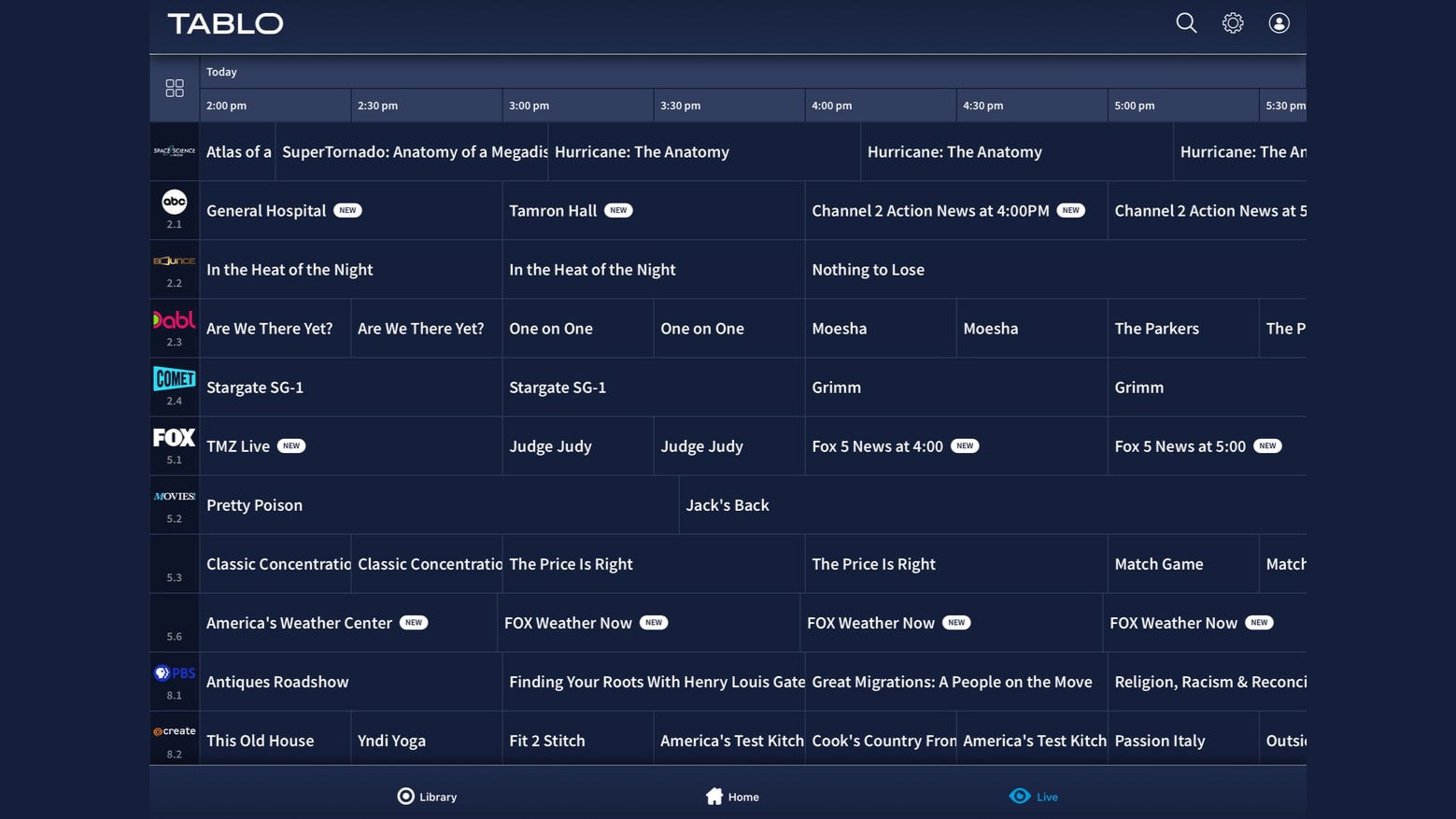
By having a physical copy, you can avoid the hassle of scrolling endlessly through the guide on your device. Instead, your family can simply reference the printed list and quickly decide what to watch. Plus, it’s a great way to engage the kids in planning family movie nights or finding shows to binge together.
How to Download and Print Your Channels List
Getting your hands on the Tablo TV Channels List Printable is a breeze. Here’s a step-by-step guide to help you through the process:
- Find the Download Link: Look for the download option on your printable-resource website. This is often available in PDF format, which is the best choice for printing.
- Check Your Printer Settings: Before printing, ensure your printer is set to the correct paper size—most home printers work best with standard letter size (8.5 x 11 inches). Check that your printer is connected and has enough ink.
- Print the Document: Click on the print button. If your printer has a portrait or landscape option, portrait typically works best for lists.
- Organize the List: Once printed, consider using a clipboard or pinning it up on your refrigerator. This makes it accessible for quick references while everyone is trying to pick a show.
- Update as Needed: As channels change or new favorites emerge, you can easily update your printed list by writing directly on it or printing a new version.
Using Your Channels List Effectively
Now that you have your Tablo TV Channels List Printable, how can you make the most of it? Here are some practical tips:
- Highlight Family Favorites: Use highlighters or colored pens to mark the channels that are household favorites. This visual cue can make it easier for everyone to find what they love most quickly.
- Create a Viewing Schedule: If your family has specific shows they love to watch at certain times, consider adding a schedule section to your list. Jot down which shows air at what times, so no one misses their favorites.
- Involve the Kids: Get the kids involved in the process by having them select their favorite channels. This can help them feel more engaged in family TV time and make it easier for them to navigate the list.
- Track New Additions: If you discover new channels or shows, jot them down directly on your list. This way, your printable remains a living document that evolves with your viewing habits.
Why a Printable Resource is Beneficial
While digital lists have their place, printed resources like the Tablo TV Channels List Printable offer unique advantages:
- Tactile Reference: A physical list can be easier to reference while watching TV. You won’t have to toggle back and forth between screens.
- No Battery Life Concerns: A printed list doesn’t require any power, so you can always have it on hand, even during power outages.
- Engagement: Having a physical document can foster discussions about what to watch next, making TV time a more interactive family activity.
- Customization: You can easily personalize your list by adding notes or doodles, turning it into a family project that reflects everyone’s tastes.
With the Tablo TV Channels List Printable, you’ll find that planning your TV viewing becomes a breeze. So, grab that printable, gather the family, and enjoy hassle-free entertainment! For immediate action, download your list today and start customizing it to fit your family’s viewing preferences.