Current Espn Adp List Printable
The Current Espn Adp List Printable is an invaluable resource for fantasy sports enthusiasts. If you are gearing up for your draft or just want to keep tabs on player rankings throughout the season, this printable format makes it easy to have the information at your fingertips. Let’s walk through the steps of accessing, printing, and effectively utilizing this resource.
How to Access the Current Espn Adp List Printable
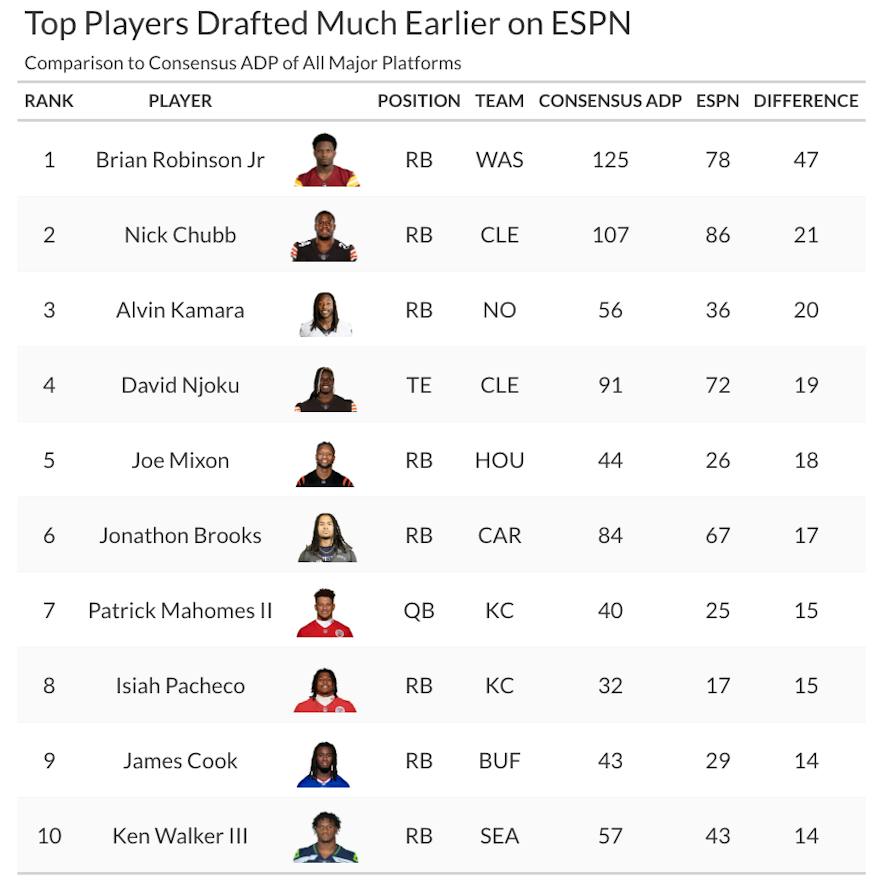
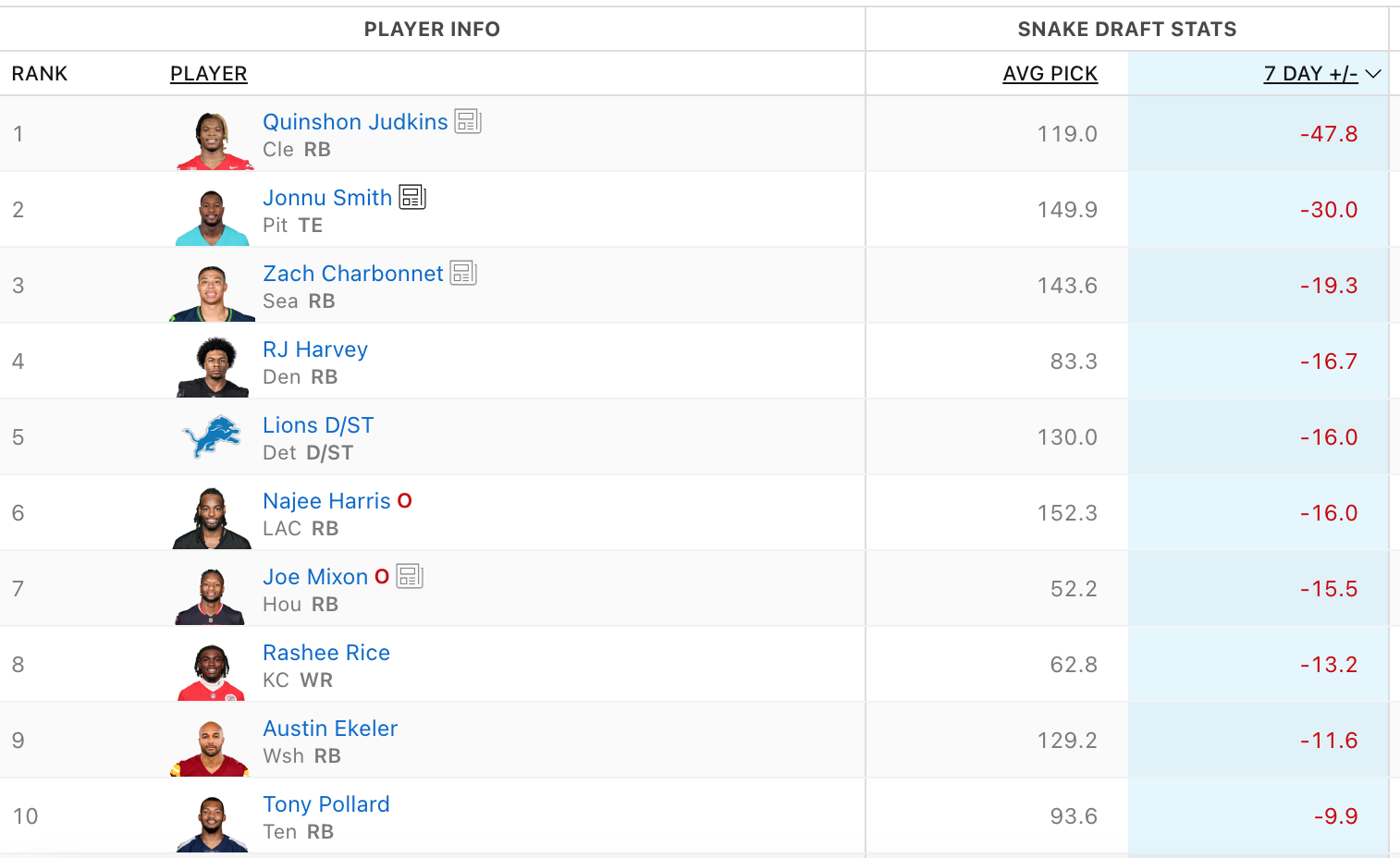
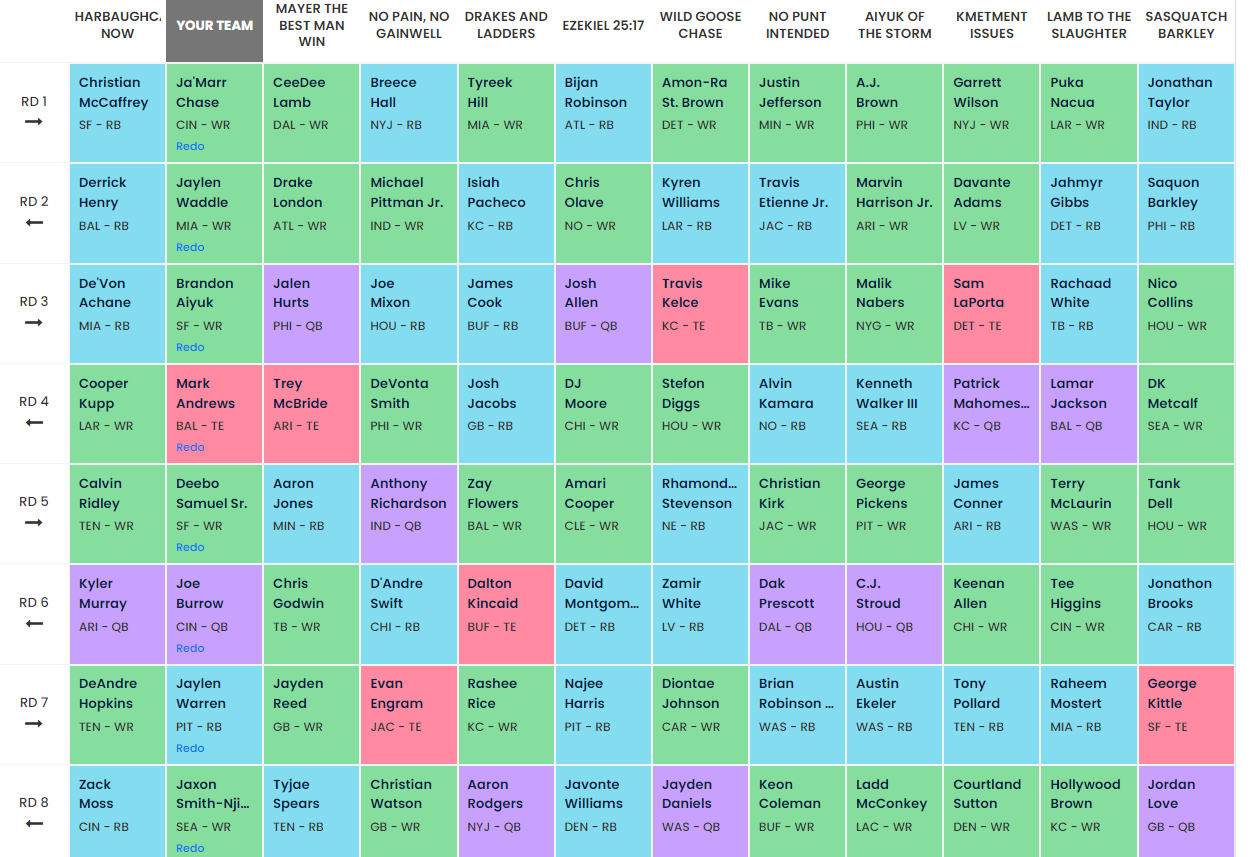
Finding the Current Espn Adp List Printable is the first step in optimizing your fantasy draft strategy. Start by visiting the ESPN Fantasy Football section on their website. They regularly update the Average Draft Position (ADP) list, which reflects player rankings based on their expected performance and popularity among drafters.
- Navigate to the ESPN Fantasy Page: Open your web browser and search for “ESPN Fantasy Football.” Once you’re on the site, look for the “Draft” section where you’ll often find the ADP list.
- Download the Printable Version: Look for a link or button that indicates a printable version. This could be in the form of a PDF or a simple webpage formatted for printing. Make sure to select the latest version to get the most accurate data.
- Check for Additional Features: Sometimes, ESPN provides links to additional resources like cheat sheets or player insights. While these might not be printable, they can give you a broader understanding of player values.
Downloading and Printing the ADP List
Once you’ve found the Current Espn Adp List Printable, downloading and printing it is straightforward. Follow these steps to ensure the best results:
- Download the File: If it’s a PDF, click the download link and save it to your device. For web pages, you can directly print from your browser.
- Choose Your Paper Size: Most home printers work best with standard letter size (8.5 x 11 inches). If your printer supports it, consider using a larger size for better readability, especially if your list has a lot of data.
- Adjust Print Settings: Before hitting the print button, check your print settings. Ensure that the layout is set to portrait orientation, as this typically works best for documents like lists.
- Print the Document: Click print! If you’re using a PDF, you may want to select “Fit to Page” to avoid cutting off any information.
- Consider Printing on Cardstock: If you plan to refer to the list frequently, printing on cardstock can make it more durable. It holds up better against wear and tear and can be laminated for added protection.
Organizing Your Draft With the ADP List
Now that you have the Current Espn Adp List Printable, it’s time to set it up for use during your draft. Here’s how to organize and utilize it effectively:
- Familiarize Yourself with the Rankings: Spend some time reviewing the ADP list. Note the players that are consistently ranked high and any potential sleeper picks that may have lower ADP values. This knowledge can help you make informed decisions during your draft.
- Create a Draft Strategy: Use the ADP list to formulate a strategy. Identify your draft position and how it aligns with the players you want. For instance, if you’re picking late in the first round, knowing who might be available in the second round is crucial.
- Highlight Key Players: As you review the list, highlight or circle the players you’re particularly interested in. This visual cue can help you quickly reference them during the draft.
- Track Your Picks: As you draft, use the printable list to track which players have been selected. You can cross them off as they go, ensuring you don’t miss out on potential picks or accidentally select someone who’s already off the board.
- Adjusting Your Strategy: If a player you were targeting gets drafted earlier than expected, refer back to the ADP list for alternatives. This flexibility can be the difference between a successful draft and a disappointing one.
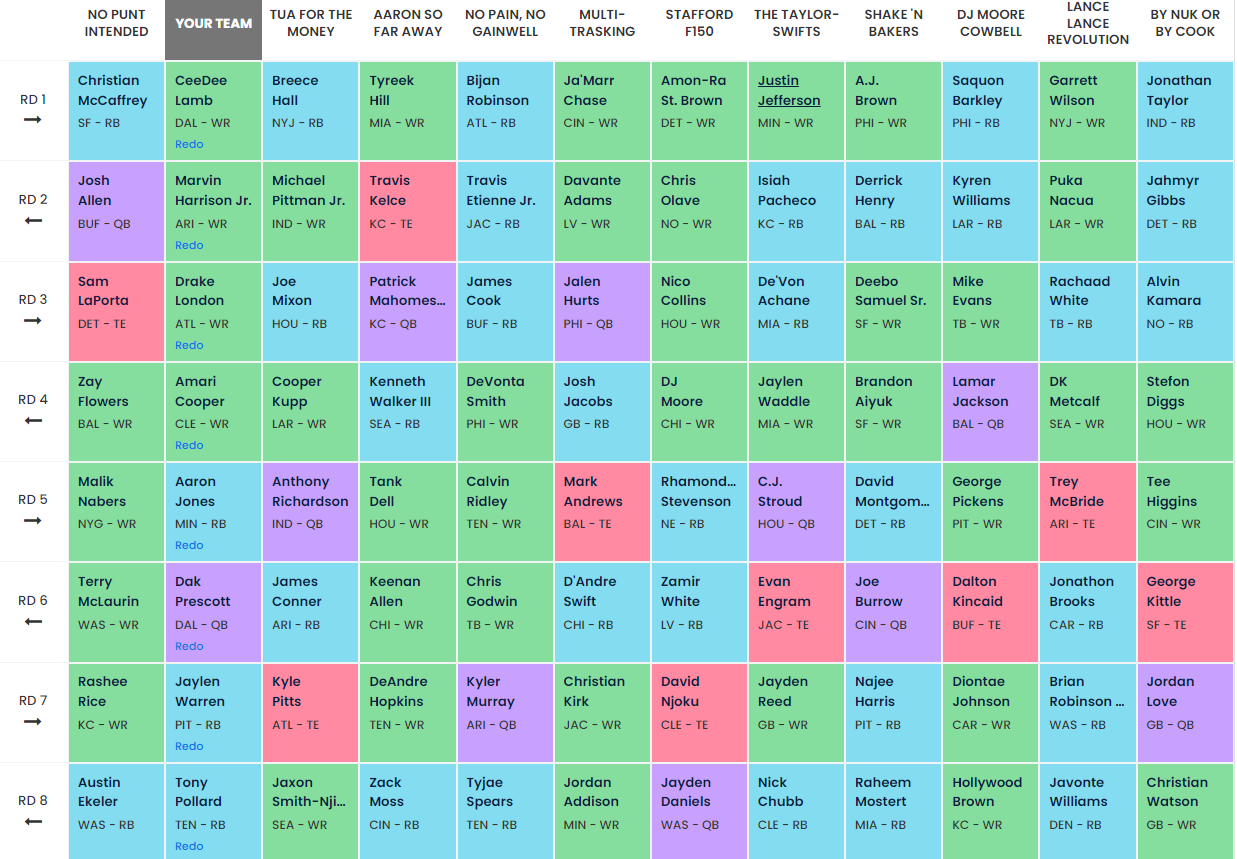
Keeping Your ADP List Updated
The landscape of fantasy football can change quickly due to injuries, trades, and performance fluctuations. Here’s how to keep your Current Espn Adp List Printable relevant throughout the season:
- Regular Updates: Make a habit of checking the ESPN site at least once a week during the season. They provide regular updates to the ADP list based on real-time player performance.
- Reprint When Necessary: Whenever there’s a significant change, reprint the ADP list. This ensures you’re making decisions based on the most current information.
- Consider Seasonal Trends: Pay attention to player performances and how they affect ADP. If a player is rising due to great performances, adjust your strategy accordingly.
- Engage with the Community: Join forums or social media groups where fantasy sports are discussed. These platforms can provide insights and updates that might not make it to the ADP list.
- Utilize Additional Tools: Consider pairing the ADP list with other resources, like player injury reports or matchup analyses, for a more comprehensive view.
By following these steps, you can make the most of the Current Espn Adp List Printable. This resource not only streamlines your draft process but also helps you stay engaged and informed throughout the fantasy football season. Remember, preparation is key, and having the right tools at your disposal can significantly enhance your chances of success. A simple yet effective detail to keep in mind is that the ADP list is updated frequently, so check back often to stay ahead of the game.
Current Espn Adp List Printable Gallery